Getting Started with Nexgent Signals
This guide walks you through subscribing to your first signal feed and configuring delivery. You'll be receiving real-time trading signals within minutes.
Prerequisites
Before you begin, ensure you have a Solana Wallet (Phantom, Solflare, etc.) and enough NEXGENT Tokens for your chosen subscription tier.
| Requirement | Details |
|---|---|
| Solana Wallet | Phantom, Solflare, or any Solana wallet |
| NEXGENT Tokens | Minimum 250,000 for Velocity subscription |
| SOL | Small amount (~0.01 SOL) for transaction fees |
Quick Start
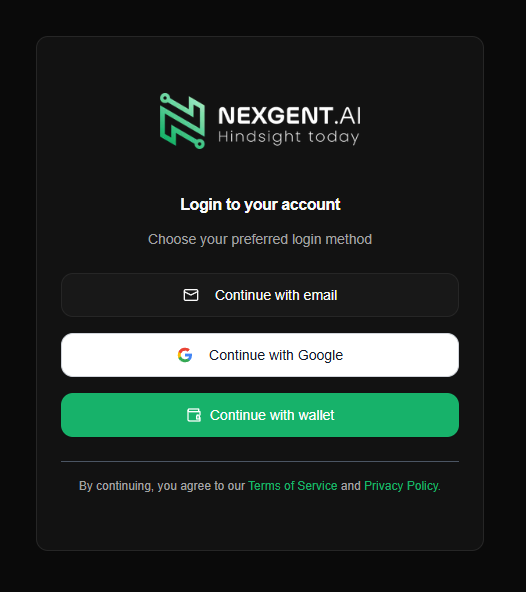
Login
Head to https://app.nexgent.ai (opens in a new tab) and login with your preferred login method.
Choose and Subscribe
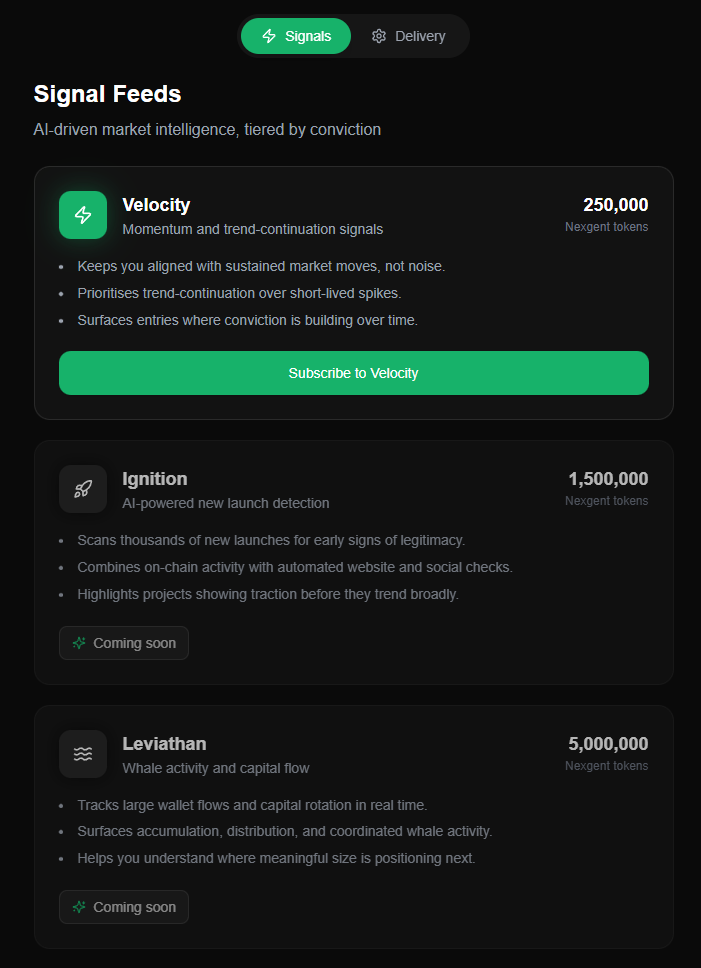
Review the tiers and click Subscribe. You will be asked to lock your tokens for a 30-day period.
| Signal | Tokens Required | Best For |
|---|---|---|
| Velocity | 250,000 | Momentum traders |
| Ignition | TBD | Early launch hunters |
| Leviathan | TBD | Whale watchers |
Configure Delivery
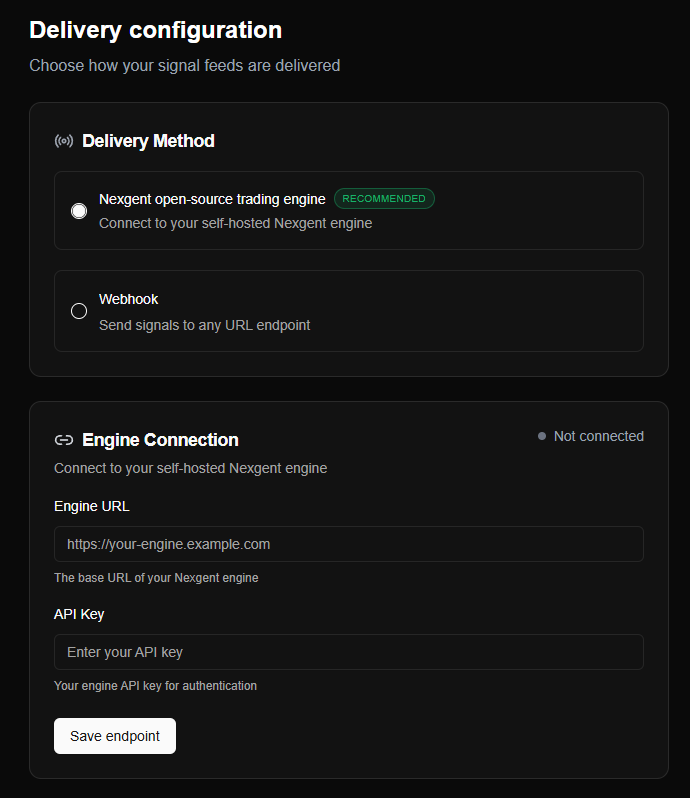
Once active, go to the Config tab to point signals to your endpoint.
Nexgent Trading Engine: Enter your engine's base URL and API key.
Verify Connection
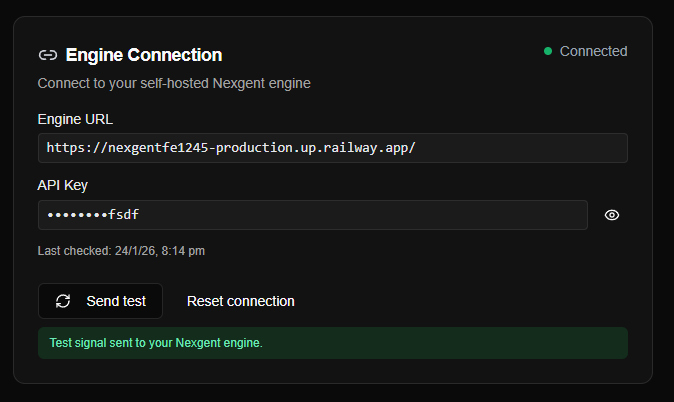
Click Send Test to verify that your endpoint is receiving data correctly.
Managing Subscriptions
Unlocking Tokens
After the 30-day lock period expires, the Unlock button will become active on your signal card. Clicking this returns your tokens to your wallet and pauses the subscription.
Unlocking tokens pauses your subscription. You will stop receiving signals until you re-subscribe.
Troubleshooting
| Issue | Solution |
|---|---|
| Insufficient SOL | Add a small amount of SOL for network fees. |
| Test Failed | Verify your URL is correct and your API key has "signals" scope. |
| Lock not showing | Wait for on-chain confirmation or refresh the page. |